A3 Problem Solving Template
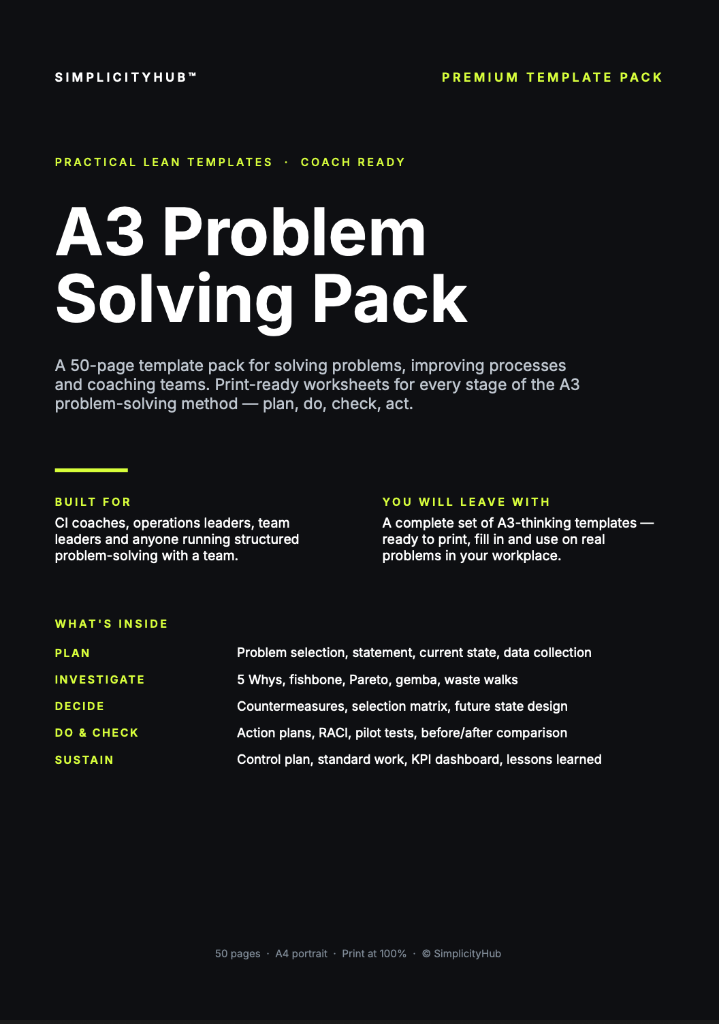
A structured one-page problem-solving document used in Lean and Six Sigma to capture the problem, root cause, countermeasures and results — all on a single A3-sized sheet.


What is a A3 Problem Solving Template?
An A3 Problem Solving Template is a structured one-page document (originally A3 paper size) that captures the problem, current state, root cause, target state, countermeasures, implementation plan and results in a logical flow.
When to use a A3 Problem Solving Template
Use it for any problem that needs structured thinking but doesn't warrant a full DMAIC project. It works equally well for quick wins, operational issues and as a summary of a full improvement project.
Who should use a A3 Problem Solving Template
- Green Belts and Black Belts — solving focused problems that don't require a full DMAIC project
- Team leaders and supervisors — addressing day-to-day operational problems with a structured approach
- Lean practitioners — coaching team members through structured problem solving using the A3 thinking method
- Operations managers — reviewing and approving problem-solving work at a glance using the one-page format
Vote yes and we’ll prioritise a quick walkthrough showing you exactly how to use it.
How to use a A3 Problem Solving — step by step
-
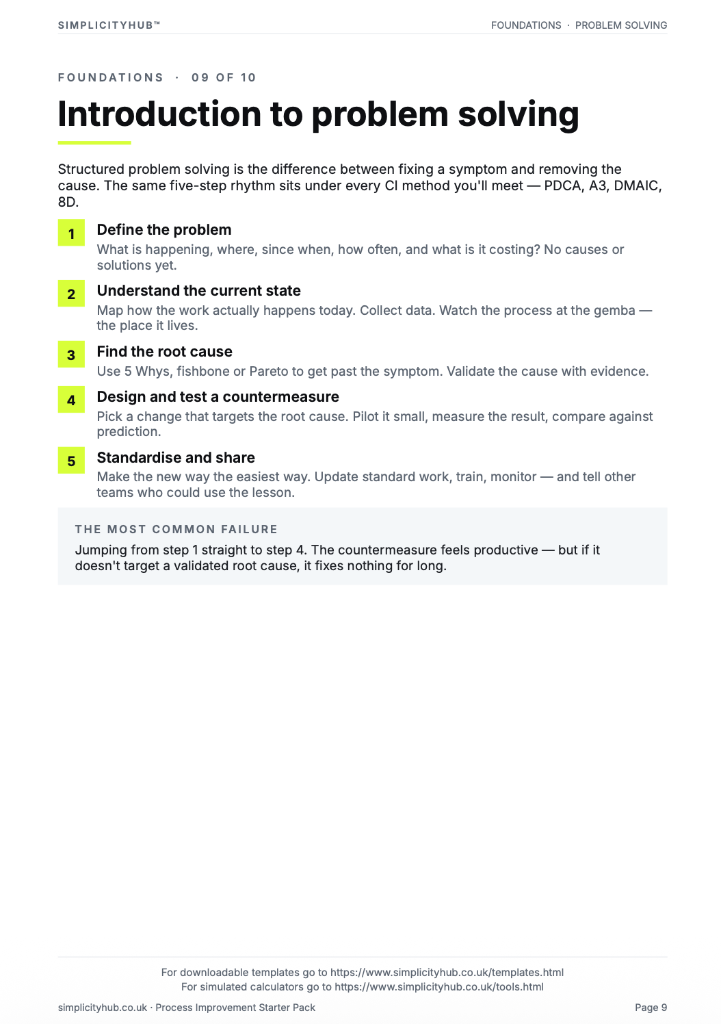
1Write the problem statement at the top
Start with a clear, factual problem statement. 'Machine stopped' or 'Customer received wrong item' — specific, observable, factual. Vague problems produce vague root causes.
-
2Map the Current Condition — what is actually happening
Describe or sketch the current process or situation. Use data, a simple flow diagram, or an observation summary. Highlight exactly where and when the problem occurs — be specific. Only document what you can observe or measure.
-
3Root Cause Analysis — dig below the symptoms
Use 5 Whys, a Fishbone (Ishikawa) diagram, or another structured technique to identify the true root cause. The root cause must be something addressable — not 'human error' but the system gap that allowed it to happen.
-
4Define the Target Condition — what good looks like
Set a specific, measurable target state. This is not the solution itself — it is the outcome you need to achieve. Example: reduce delivery errors from 12% to below 2% within 6 weeks. The target directly addresses the gap in the current condition.
-
5Check the logic by reading upward
Read the chain back to front: 'Because of X, Y happened, which caused Z.' If the logic holds, you have a valid chain. If it breaks, revisit the step where it breaks.
-
6Identify the actionable root cause
The root cause is the deepest level where a corrective action can prevent recurrence. Document it clearly — this feeds your Improve phase solution design.
-
7Validate before acting
Do not jump to solution immediately. Check whether data or observation confirms the root cause is real and significant before committing resource to fixing it.
Worked example — Reducing Delivery Delays
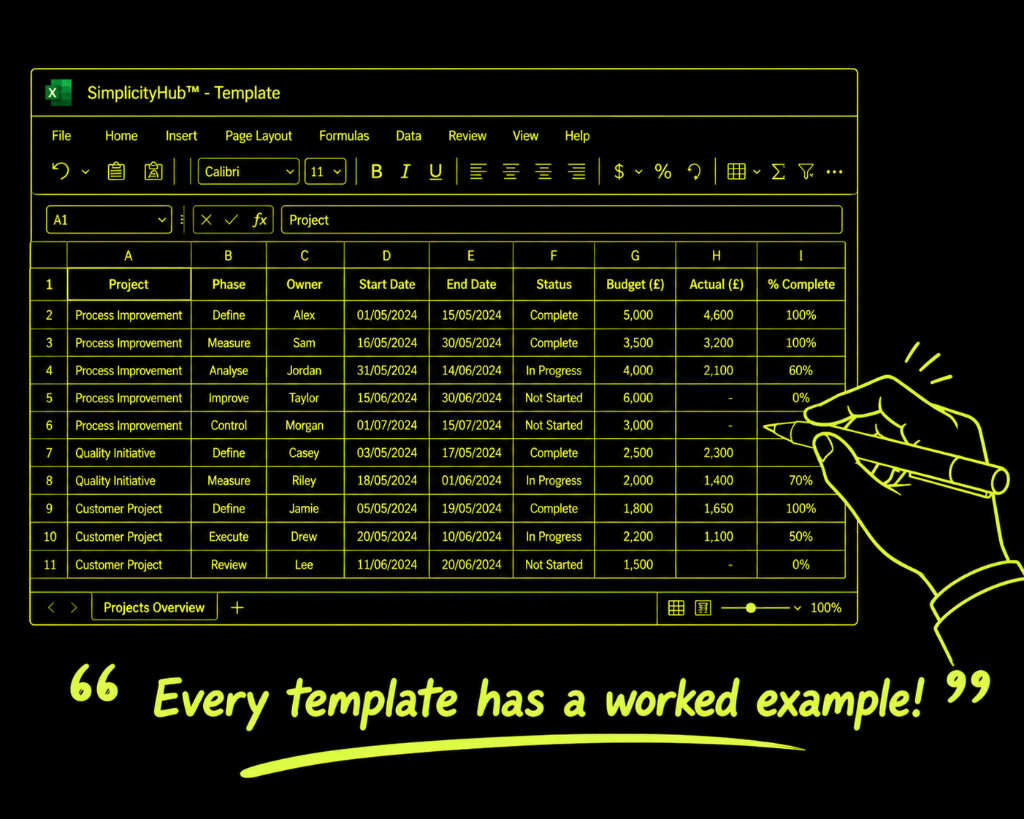
A logistics team used an A3 to diagnose a delivery delay problem, tracing from symptom to root cause in three days — identifying a route planning assumption that was causing consistent late arrivals at two postcodes.
Common mistakes — and how to avoid them
Jumping to countermeasures. The biggest A3 failure is moving to solutions before the root cause section is complete. The countermeasures must logically follow from the root cause.
Writing the A3 alone. The A3 is a thinking tool, not a report. The best A3s are built through dialogue with a coach or team, not written in isolation.
Treating the A3 as a one-time document. The results section must be completed. An A3 without measured outcomes is an incomplete thought. Follow through to the end.
Making it too detailed. An A3 that needs a separate appendix to explain itself has defeated its own purpose. If it doesn't fit on one page, simplify the thinking.
Tips for getting better results
Work from left to right — but think in loops. The A3 reads left to right but good thinking iterates. If your countermeasures don't address your root cause, go back and re-examine the analysis.
Use visuals wherever possible. A simple process map, run chart or fishbone in the current state section is worth more than a paragraph of text.
Keep the A3 visible throughout the project. Post it where the team can see it. It should be a living document updated as the work progresses — not a final deliverable written at the end.
Frequently asked questions
What is an A3 template?
An A3 template is a structured problem solving document that fits on a single A3 sheet of paper. It captures the problem, current state, root cause analysis, countermeasures, implementation plan and results review in one place.
Why is it called A3?
The name comes from the A3 paper size (297 x 420mm) that Toyota originally used to document problems and solutions. The constraint of fitting everything on one page forces clarity and conciseness.
When should I use A3 problem solving?
Use A3 when you have a recurring or significant operational problem that needs structured root cause analysis. It is ideal for improvement teams and CI practitioners working within a Lean or Six Sigma framework.