Force Field Analysis Template
Weigh the forces driving a change against those resisting it so you can strengthen enablers and weaken blockers.


What is a Force Field Analysis Template?
A Force Field Analysis Template provides a structured visual framework for identifying the driving forces (supporting change) and restraining forces (opposing change) acting on a planned improvement.
When to use a Force Field Analysis Template
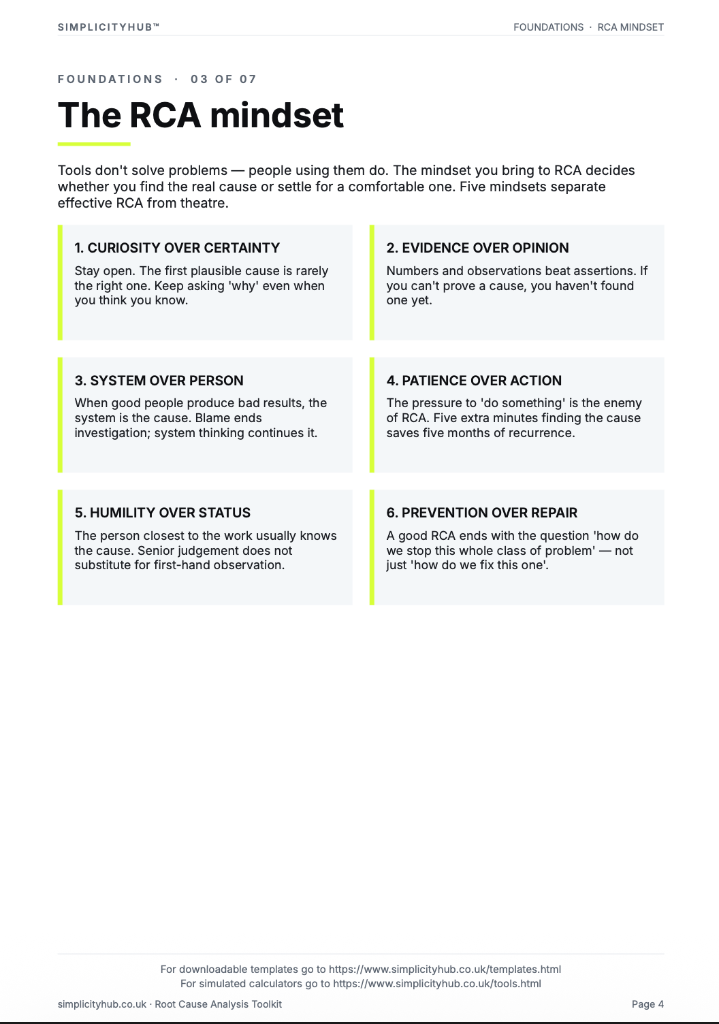
Use it in the Improve phase before implementing a significant change, and in the Control phase to identify sustainability risks. It is particularly powerful as a facilitated team exercise.
Who should use a Force Field Analysis Template
- Black Belts and change leads — assessing the balance of forces before implementing a significant process change
- Project teams — building a shared understanding of what will help and hinder the improvement before go-live
- Sponsors and managers — identifying where their visible support and active intervention will have most impact
- Organisational development practitioners — facilitating structured change readiness conversations with senior teams
Vote yes and we’ll prioritise a quick walkthrough showing you exactly how to use it.
How to use a Force Field Analysis — step by step
-
1Write the problem statement at the top
Start with a clear, factual problem statement. 'Machine stopped' or 'Customer received wrong item' — specific, observable, factual. Vague problems produce vague root causes.
-
2Ask 'Why did this happen?' — Why 1
Write down the first-level cause. This is usually a symptom or a direct cause — not yet the root. Examples: 'Machine overheated', 'Wrong item was picked'.
-
3Ask 'Why did that happen?' — Why 2
Challenge the previous answer. Keep the team focused on causes, not blame. If the answer is 'human error', push further — why did the human make the error?
-
4Continue to Why 3, 4 and 5
Keep going until you reach a cause that is systemic — a missing process, a failed control, a gap in training or a design flaw. The number five is a guide, not a rule.
-
5Check the logic by reading upward
Read the chain back to front: 'Because of X, Y happened, which caused Z.' If the logic holds, you have a valid chain. If it breaks, revisit the step where it breaks.
-
6Identify the actionable root cause
The root cause is the deepest level where a corrective action can prevent recurrence. Document it clearly — this feeds your Improve phase solution design.
-
7Validate before acting
Do not jump to solution immediately. Check whether data or observation confirms the root cause is real and significant before committing resource to fixing it.
Worked example — Introducing Standardised Work
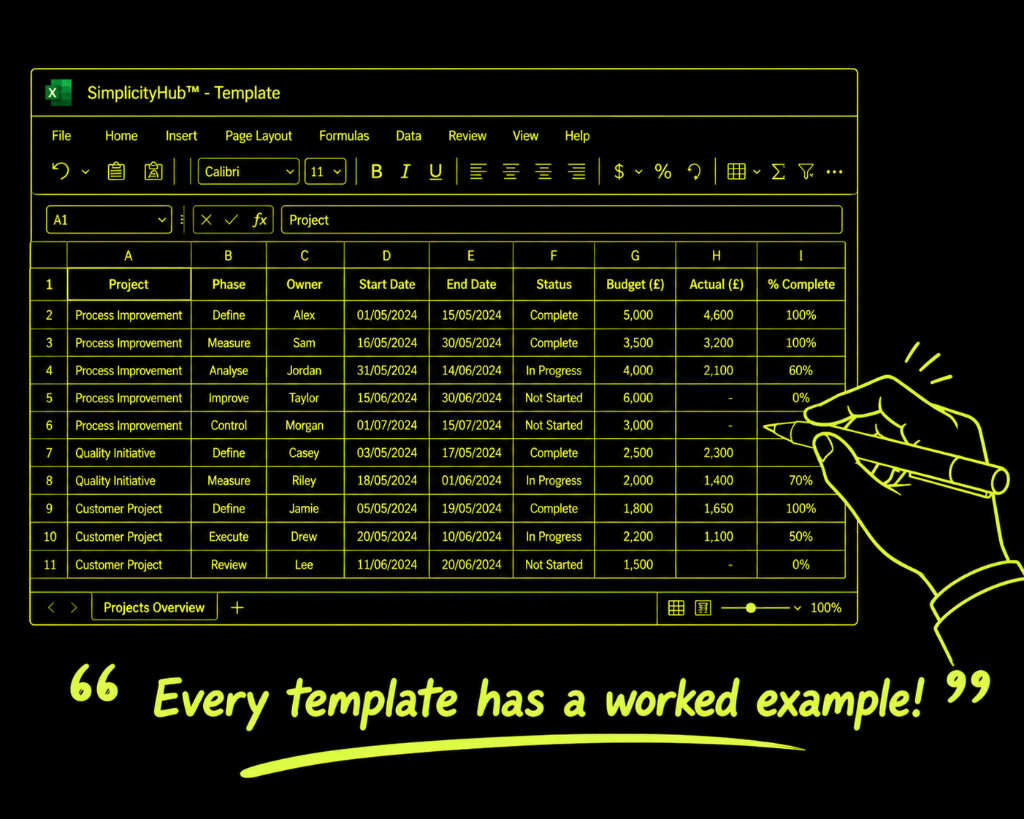
A Lean team used Force Field Analysis before introducing standard work on a manufacturing line — identifying strong driving forces (safety data, management support, high defect rate) and key restraining forces (operator fear of being timed, supervisory resistance) and designing specific countermeasures for each.
Common mistakes — and how to avoid them
Only identifying driving forces. Teams naturally focus on why the change should work. The restraining forces are equally important and more likely to cause failure.
Listing forces without action. A Force Field Analysis that isn't acted upon is a wasted exercise. Every high-scoring restraining force must have a mitigation strategy.
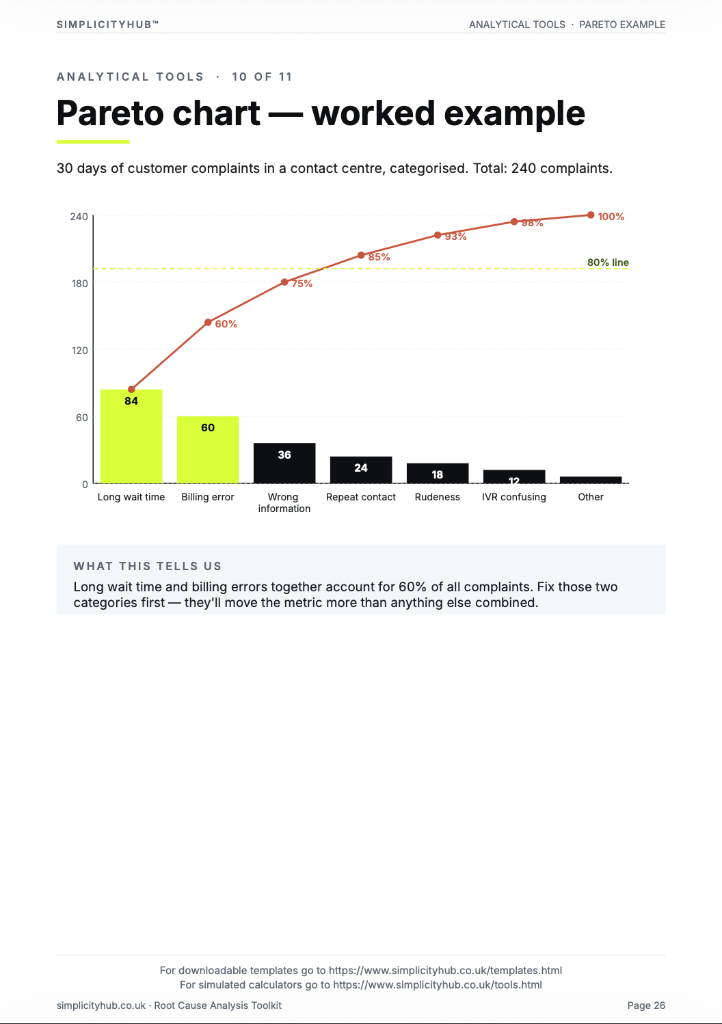
Treating all forces as equal. Scoring forces makes explicit which ones need the most attention. Don't treat a 5/5 restraining force the same as a 1/5 one.
Doing it alone. A facilitator-led team session produces far more comprehensive force identification than a solo desk exercise. Different perspectives see different forces.
Tips for getting better results
Focus action on weakening restraints, not just strengthening drivers. Reducing a strong restraining force is usually more impactful than amplifying an already-strong driver.
Revisit after key milestones. The balance of forces changes as the project progresses. Reassess the Force Field at each major phase gate.
Use it to prepare for sponsor conversations. A Force Field Analysis is a concise, visual way to brief a sponsor on change risks and the mitigation plan — much more effective than a risk register alone.
Frequently asked questions
What is a force field analysis?
A force field analysis is a decision-making tool that lists the driving forces (factors supporting a change) and restraining forces (factors opposing it). By comparing their strength you can decide whether to proceed and how to reduce resistance.
Who invented force field analysis?
The technique was developed by social psychologist Kurt Lewin in the 1940s. It remains widely used in change management and process improvement because of its simplicity and visual clarity.
How do I score the forces?
Assign each force a score from 1 (weak) to 5 (strong). Sum the driving and restraining scores separately. If driving forces significantly outweigh restraining ones, the change is likely viable. If not, focus on how to weaken the restraining forces first.