Idea Generation Log Template
Capture every improvement idea in one place with owner, impact estimate and status so good ideas never get lost.


What is a Idea Generation Log Template?
An Idea Generation Log is a structured record of potential solutions generated during brainstorming sessions. It captures the idea, the originator, the associated problem and an initial feasibility rating.
When to use a Idea Generation Log Template
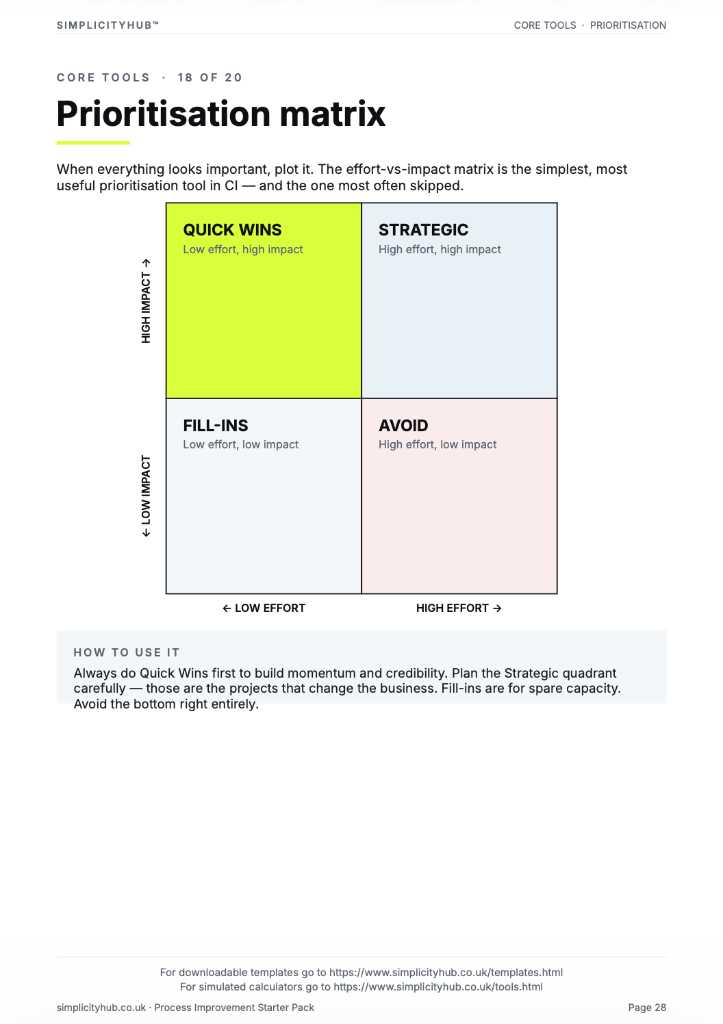
Use it at the start of the Improve phase, immediately after completing root cause analysis. Run a team brainstorm and capture everything in the log before filtering with a Solution Selection Matrix.
Who should use a Idea Generation Log Template
- Project teams — to capture and organise all improvement ideas generated during Improve phase brainstorming
- Green Belts and Black Belts — facilitating structured ideation sessions after root cause validation
- Frontline staff — contributing ideas based on first-hand process knowledge
- Kaizen event teams — logging every idea generated during a focused improvement sprint
Vote yes and we’ll prioritise a quick walkthrough showing you exactly how to use it.
How to use a Idea Generation Log — step by step
-
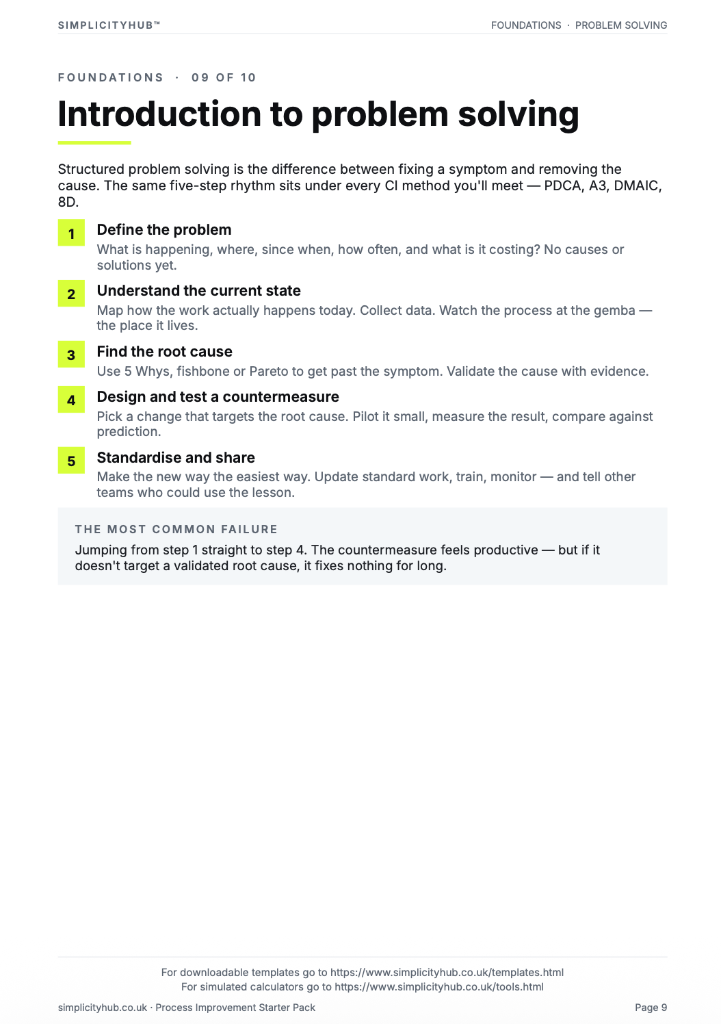
1Write the problem statement at the top
Start with a clear, factual problem statement. 'Machine stopped' or 'Customer received wrong item' — specific, observable, factual. Vague problems produce vague root causes.
-
2Ask 'Why did this happen?' — Why 1
Write down the first-level cause. This is usually a symptom or a direct cause — not yet the root. Examples: 'Machine overheated', 'Wrong item was picked'.
-
3Ask 'Why did that happen?' — Why 2
Challenge the previous answer. Keep the team focused on causes, not blame. If the answer is 'human error', push further — why did the human make the error?
-
4Continue to Why 3, 4 and 5
Keep going until you reach a cause that is systemic — a missing process, a failed control, a gap in training or a design flaw. The number five is a guide, not a rule.
-
5Check the logic by reading upward
Read the chain back to front: 'Because of X, Y happened, which caused Z.' If the logic holds, you have a valid chain. If it breaks, revisit the step where it breaks.
-
6Identify the actionable root cause
The root cause is the deepest level where a corrective action can prevent recurrence. Document it clearly — this feeds your Improve phase solution design.
-
7Validate before acting
Do not jump to solution immediately. Check whether data or observation confirms the root cause is real and significant before committing resource to fixing it.
Worked example — Reducing Dispatch Errors
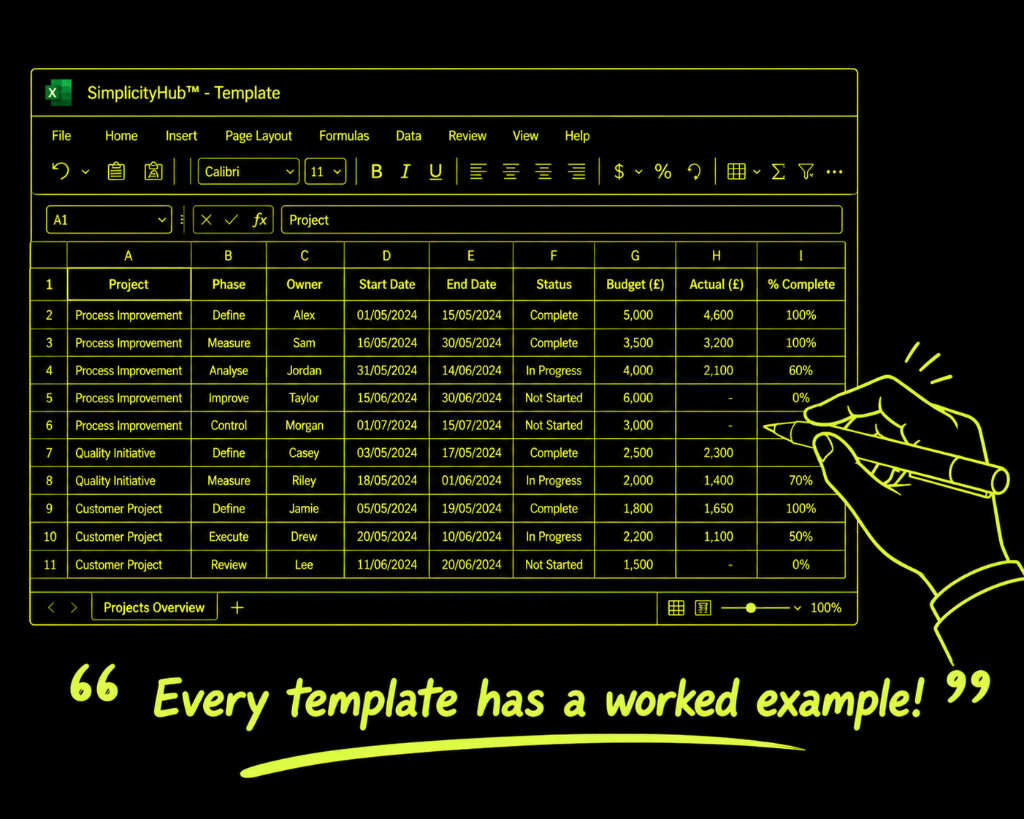
A warehouse team generated 34 ideas in a 90-minute session. The log captured each idea, its contributor, the root cause it addressed and an initial feasibility rating — producing a shortlist of 8 ideas for further evaluation.
Common mistakes — and how to avoid them
Filtering ideas during the session. Evaluating ideas in real time kills creativity and psychological safety. Log everything first — filter later with a separate tool.
Only involving the project team. Frontline staff generate the most practical ideas. Their absence from ideation is one of the biggest missed opportunities in improvement projects.
Losing the log after the session. The full log is a project asset. Archive it — rejected ideas sometimes become relevant when scope or constraints change.
Skipping the root cause linkage column. Ideas that don't link to a validated root cause are solutions in search of a problem. The linkage column keeps the ideation grounded.
Tips for getting better results
Use brainwriting for quieter teams. Ask participants to write ideas silently on cards before sharing. This surfaces more ideas from quieter team members.
Set a time target. Aiming for 30 ideas in 20 minutes creates creative pressure that produces better ideas than open-ended sessions.
Revisit the log at 30-day review. Solutions rejected at the time sometimes become viable as context changes. Keep the log accessible.
Frequently asked questions
What is an idea generation log?
An idea generation log is a structured register for capturing improvement ideas from team members. It records the idea, the person who raised it, the date, an impact and effort score, and the status of each idea as it is evaluated and progressed.
How is it different from an action log?
An action log records committed tasks with owners and due dates. An idea log captures potential solutions before they have been evaluated or approved. Ideas move from the log to the action plan once selected.
How should I run an idea generation session?
Use structured brainstorming techniques — round-robin, silent ideation or affinity grouping. Capture every idea without judgement first, then score and filter as a team. Aim for quantity before quality.