
A blank template is homework. You download a Project Charter with fifteen empty boxes, open it in Excel, and then spend an evening deciding what belongs in each one. We built a free tool that skips that part: paste your notes, get the workbook filled in.
The Template Generator takes whatever you already have, rough notes, a voice memo you talk through, or a Word document, and turns it into a real, editable Excel workbook built on one of our five most-used Lean Six Sigma templates. It needs no sign-in and no email address.
This is what it looks like, what it produces, and where it stops being useful.
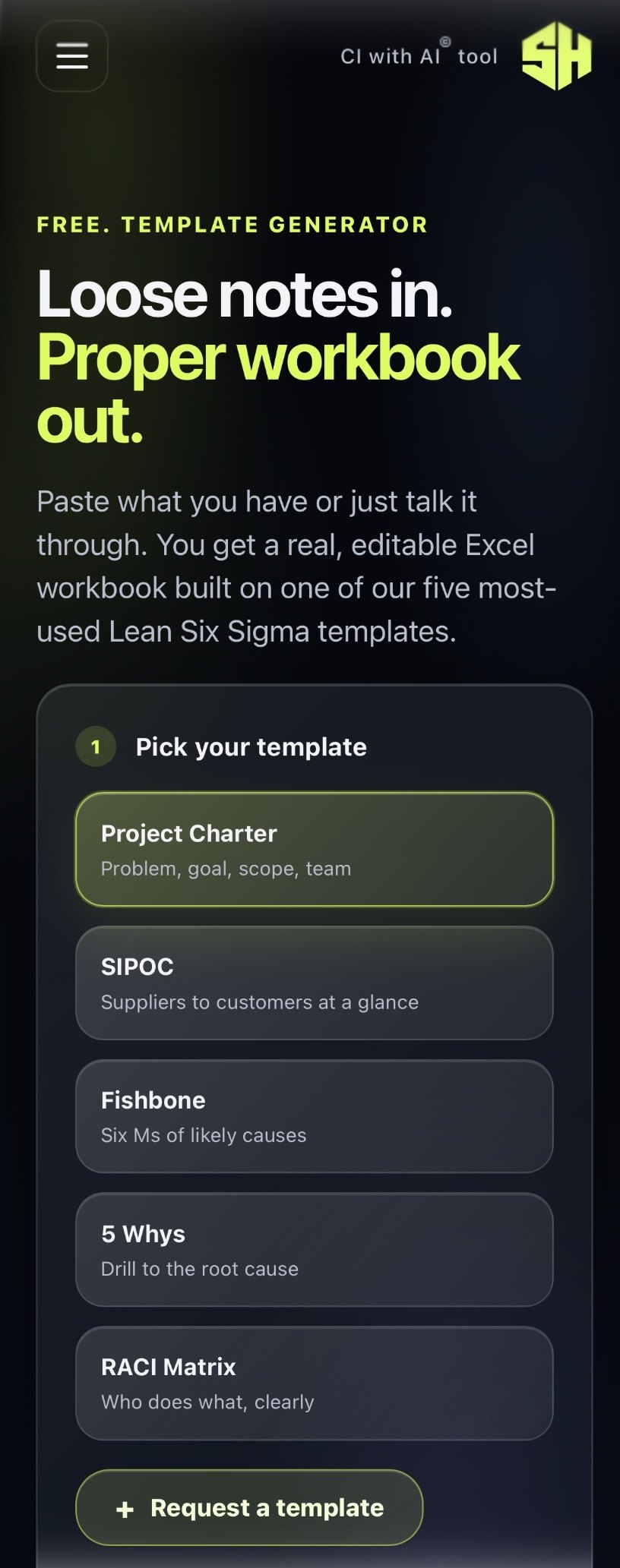
Step 1: pick your template
Five choices, each with a one-line reminder of what it is for. Project Charter for problem, goal, scope and team. SIPOC for suppliers through to customers. Fishbone for the six Ms of likely causes. 5 Whys for drilling to a root cause. RACI for who does what.
Step 2: give it your notes
This is the part that decides how good the output is. You have three ways in:
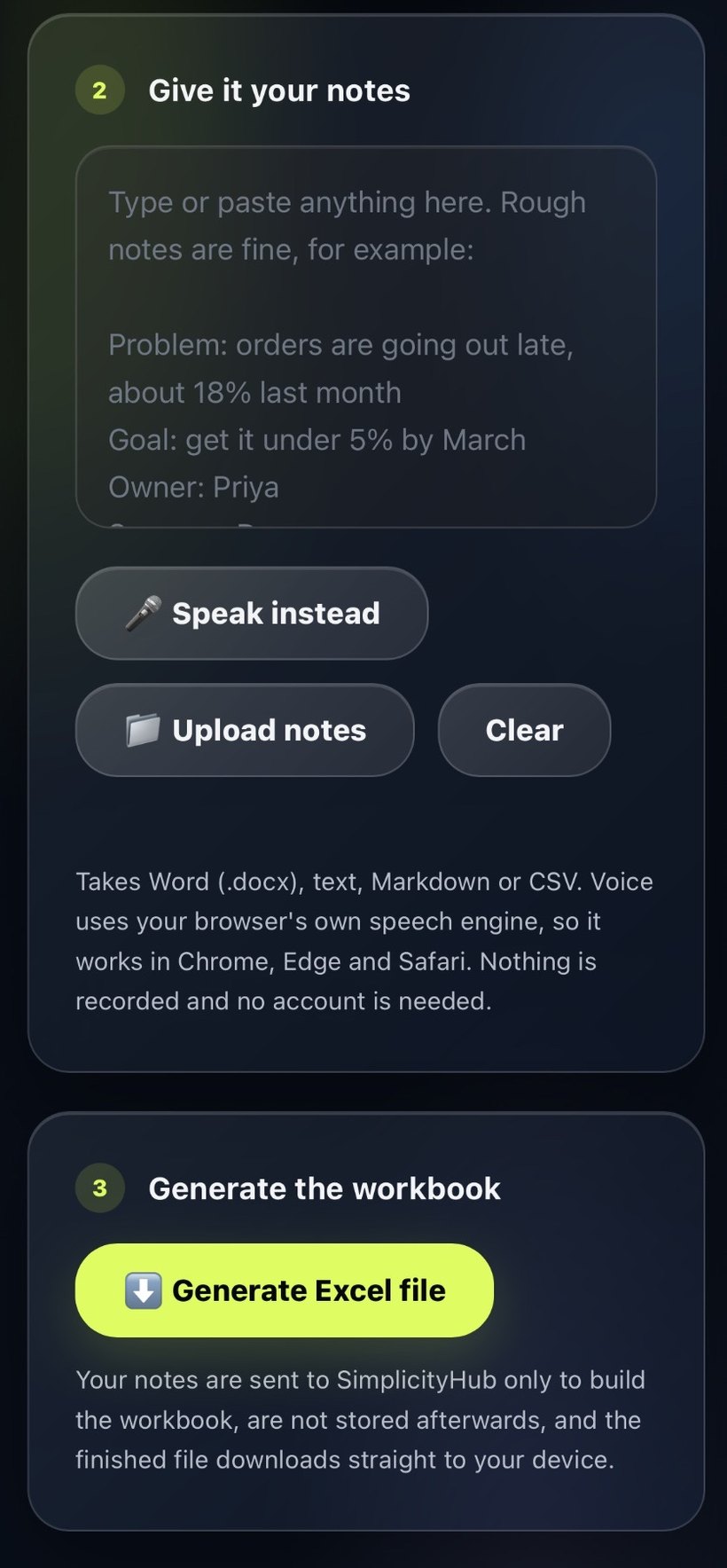
- Type or paste. Anything will do. The page's own example is Problem: orders are going out late, about 18% last month. Goal: get it under 5% by March. Owner: Priya. Three labels and a number, and it already has enough to fill a charter.
- Speak instead. Talk it through and your browser turns it into text. It uses the browser's own speech engine, so it works in Chrome, Edge and Safari, and nothing is recorded.
- Upload notes. Word (.docx), plain text, Markdown or CSV. Useful when the thinking already exists in a document and you just want it in the right shape.
Step 3: generate the workbook
One button. The file lands in your downloads folder, ready to open and edit. There is no email step, no link to chase and no account to create.
What comes back is the real workbook
This matters more than it sounds. Plenty of tools generate a plain sheet with your headings typed into the top row, which looks nothing like the template you were promised.
Our generator opens the actual branded workbook from our template library and writes your answers into the labelled cells, so the file you get back is the file you would have downloaded from the template library: the same styling, the same merged cells, the same layout, and both tabs, the Blank Template and the Completed Example. Nothing is rebuilt from scratch, so nothing drifts.
That means the Completed Example tab is still there as your reference. If you are not sure how much detail a problem statement needs, you have a worked answer one click away.
The five templates, and when to reach for each
If you only ever use one, use the charter. It is the one document that stops a project drifting, because it fixes the problem, the goal, the scope and the people in writing before anyone starts work. Each of the five has its own guide on the site:
- Project Charter for starting anything properly: problem, objective, business case, in and out of scope, team, milestones, risks.
- SIPOC for seeing a process end to end at a glance, from suppliers and inputs through to outputs and customers.
- Fishbone for spreading out the possible causes across the six Ms before you start testing them.
- 5 Whys for turning a symptom into a root cause, one honest question at a time.
- RACI Matrix for settling who is responsible, accountable, consulted and informed, which is usually the real reason a project stalls.
How to write notes it can use
The tool organises what you tell it. It does not invent your project for you, so a little structure in pays off in the output:
- Label the big pieces. Problem, goal, owner, scope, dates. Words like these are what the generator looks for when deciding which box to fill.
- Give numbers where you have them. "Late orders are a problem" fills a box. "18% of orders late in October, target under 5% by March" fills it properly.
- One idea per line. Long paragraphs get summarised. Short lines with labels get placed accurately.
- Name people. Owners, sponsors, team members and stakeholders are easier to place than "the team".
- Say what is out of scope. It is the box most people skip and the one that saves the most arguments later.
If you are working in voice, talk in the same order you would fill the form: what is wrong, what you want instead, by when, who owns it, who is involved, what you are leaving out.
It is on the template pages too
You do not have to come to the generator first. Each of the five template pages carries the same generator inline, under the download buttons, so you can read the guide, decide the template suits you, and generate a filled copy without leaving the page.
What it will not do
The honest limits. It formats and fills, it does not think for you. If your notes are vague, the workbook will be vague in a tidy font, and that is worse than a blank page because it looks finished.
The test is whether a colleague could act on it. Read the generated charter as if you had never heard of the project. If you cannot tell what is being fixed, what success looks like and who is doing it, the notes need another five minutes, not the tool.
It also only knows the five templates. If your work needs a value stream map, a control plan or a capability study, the template library has more than a hundred free ones to download and fill by hand.
Where this fits
The five templates are the first documents in any DMAIC project. The charter opens Define, the SIPOC and fishbone do most of the early work in Measure and Analyse, the 5 Whys carries you to a root cause, and the RACI keeps the Improve phase from turning into a committee. If the vocabulary is new, our introduction to Lean Six Sigma and the glossary cover the terms, and Lean is the place to start if your problem is flow rather than variation.
There is one other tool on the site built on the same idea, that AI should do the boring first pass so you can get to the thinking. The Visual 5S Audit scores a workspace from a photo and tells you the three fixes worth doing first. Between the two, the paperwork and the tidying-up are a lot less of an evening.
Try it with something real
Open the notes you already have on your desk, whatever shape they are in, and paste them in. It takes about a minute, costs nothing and asks for nothing.