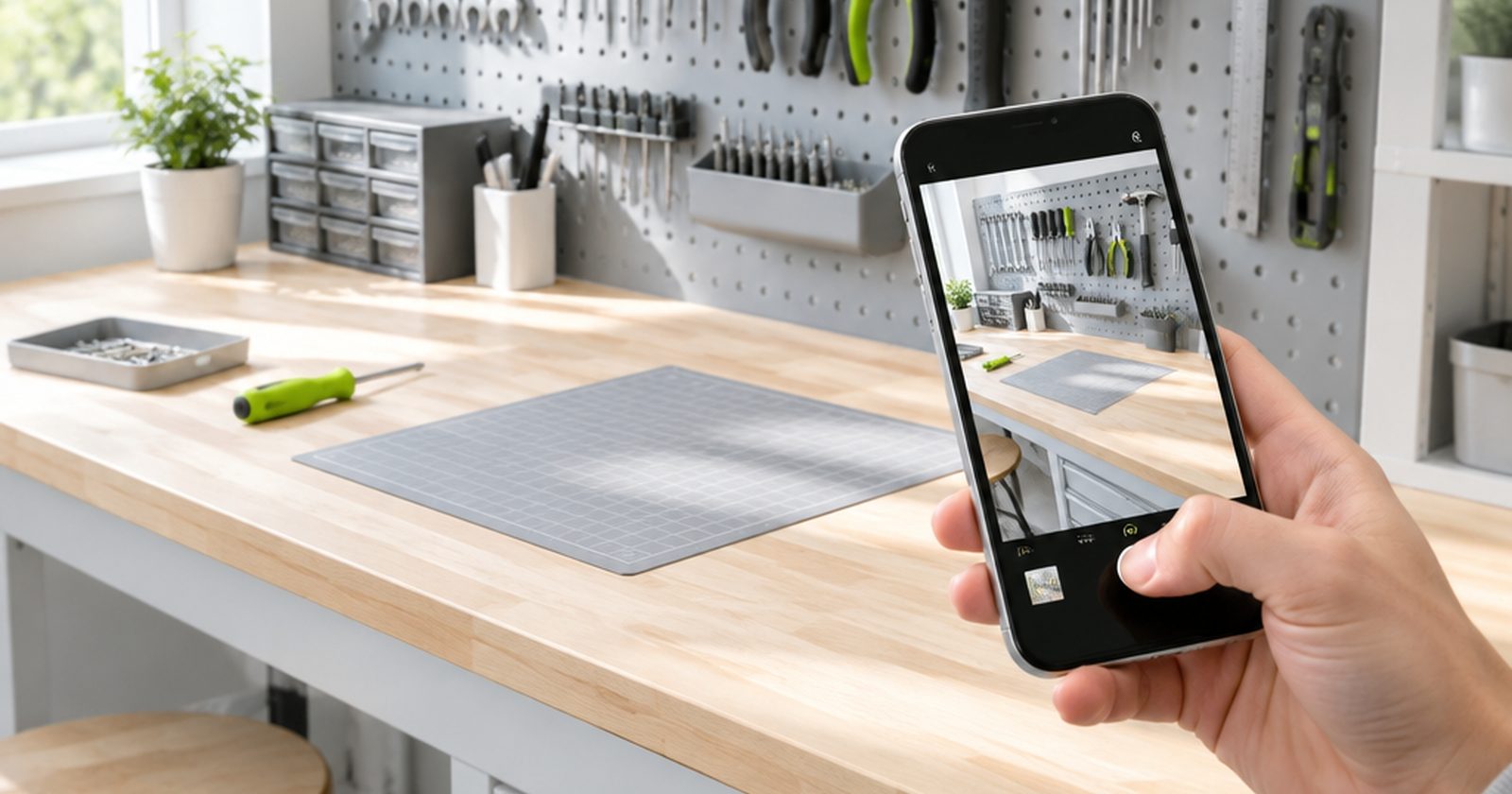
Most 5S audits fail for a boring reason: nobody has the time to do them. We built a free tool that does the first pass from a single photograph, and this is what it produced when we pointed it at three benches in very different states.
The Visual 5S Audit asks for one thing, a photo of your working area. It scores Sort, Set in order, Shine, Standardise and Sustain out of 20 each, gives you a total out of 100, pins the three quickest improvements onto your own photo, and tells you what your score would be if you fixed them. There is no sign-in and no email address.
It is a first pass, not a replacement for walking the area. We will be clear about that limit later. First, here is what actually happens when you use it.
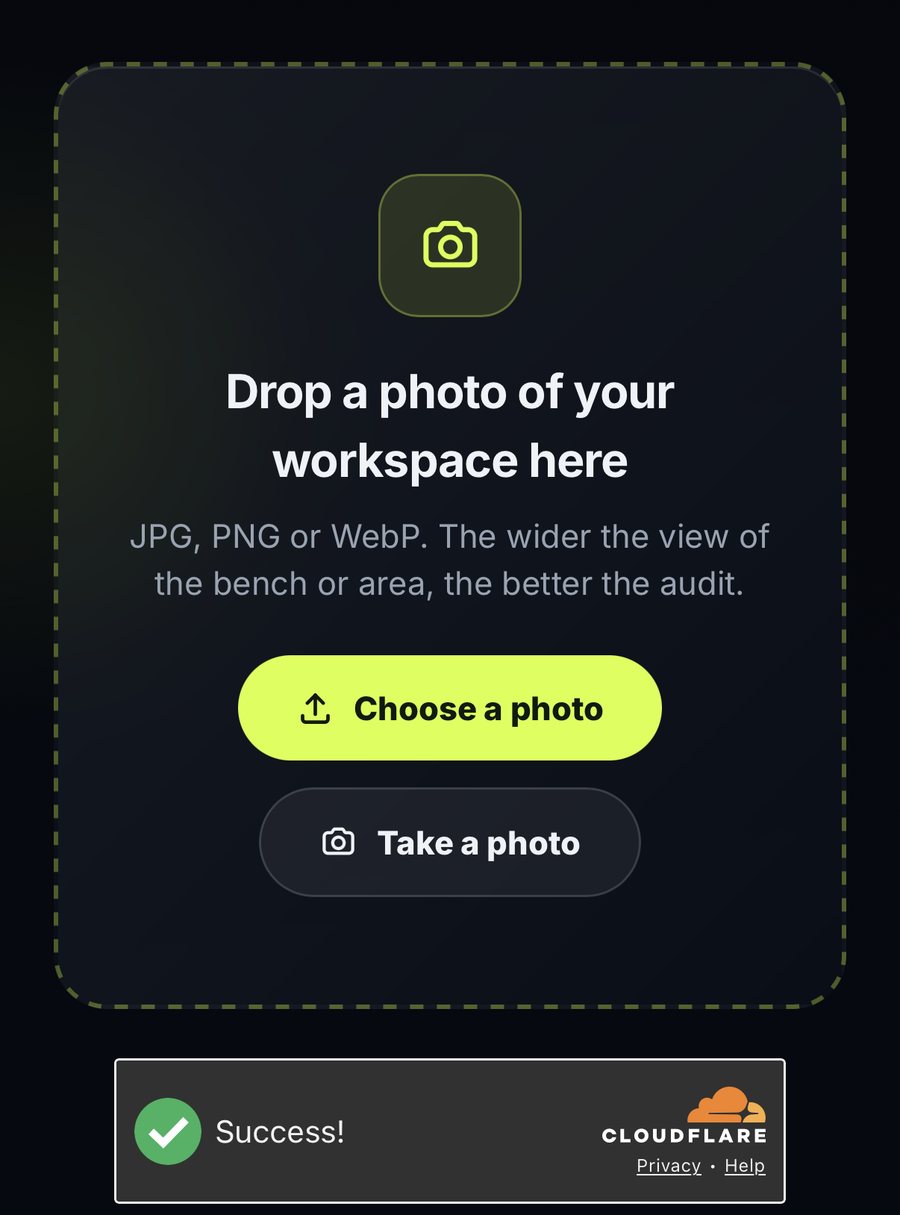
Step 1: upload a photo
You can drop an image onto the page, choose one from your device, or take one with your phone camera. A wide shot that shows the bench, the floor and the storage works best, because the tool can only score what it can see. A close-up of one drawer will tell you about that drawer and nothing else.
Step 2: it reads the photo
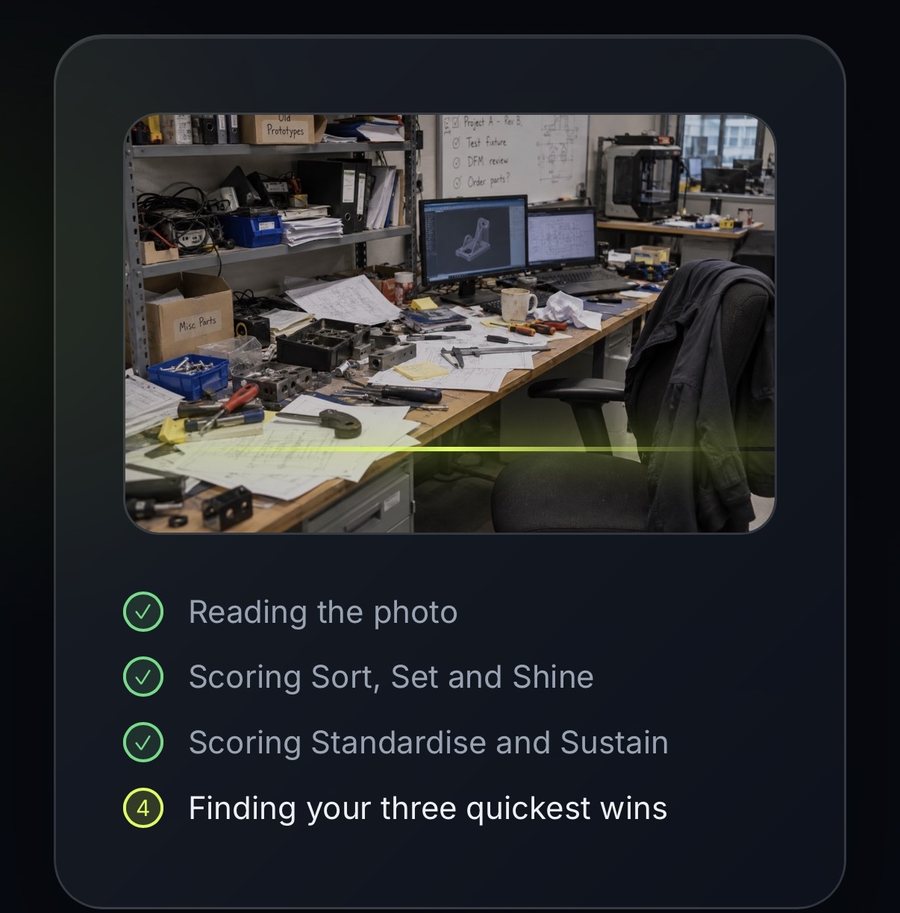
Once the photo is in, the tool works through four stages that you can watch: reading the photo, scoring Sort, Set in order and Shine, scoring Standardise and Sustain, and finding your three quickest wins. A typical audit takes around ten seconds.
Step 3: it shows you where to look
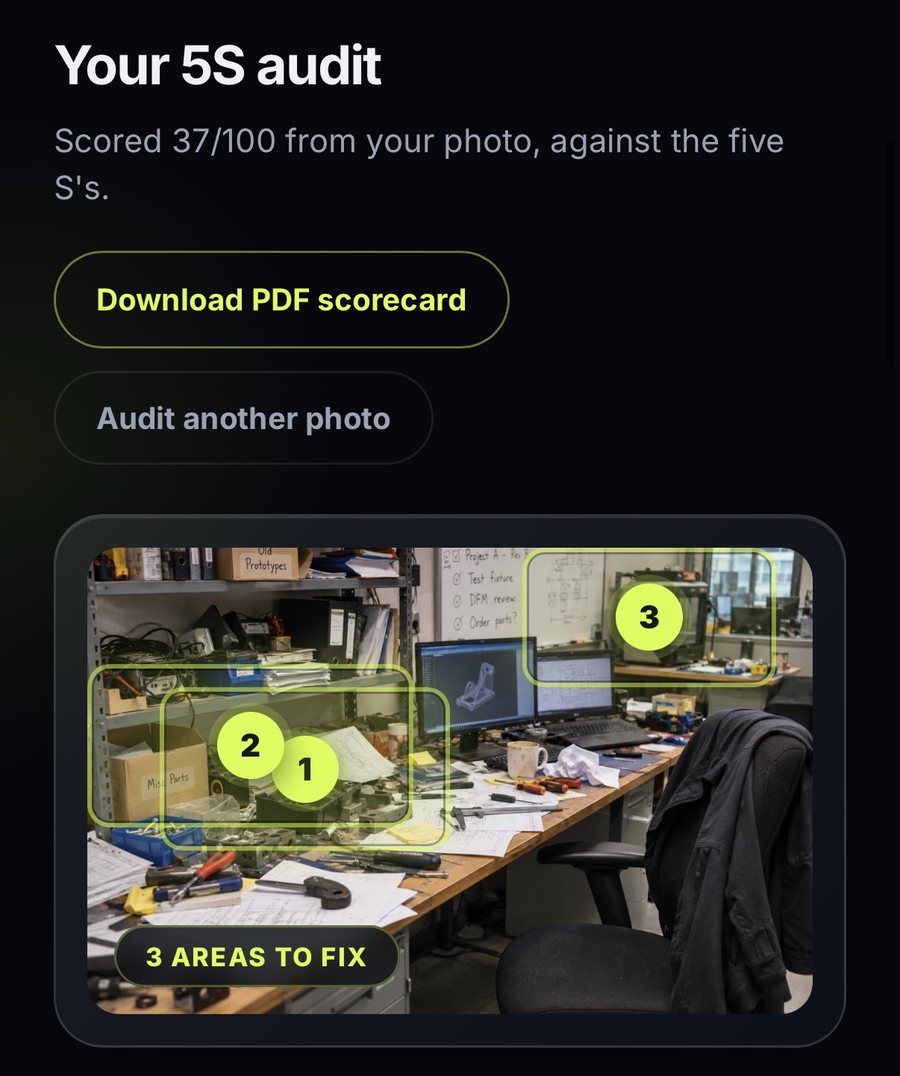
This is the part we care about most. A score on its own is easy to shrug off. A numbered marker sitting on the pile of parts in your photo is much harder to ignore.
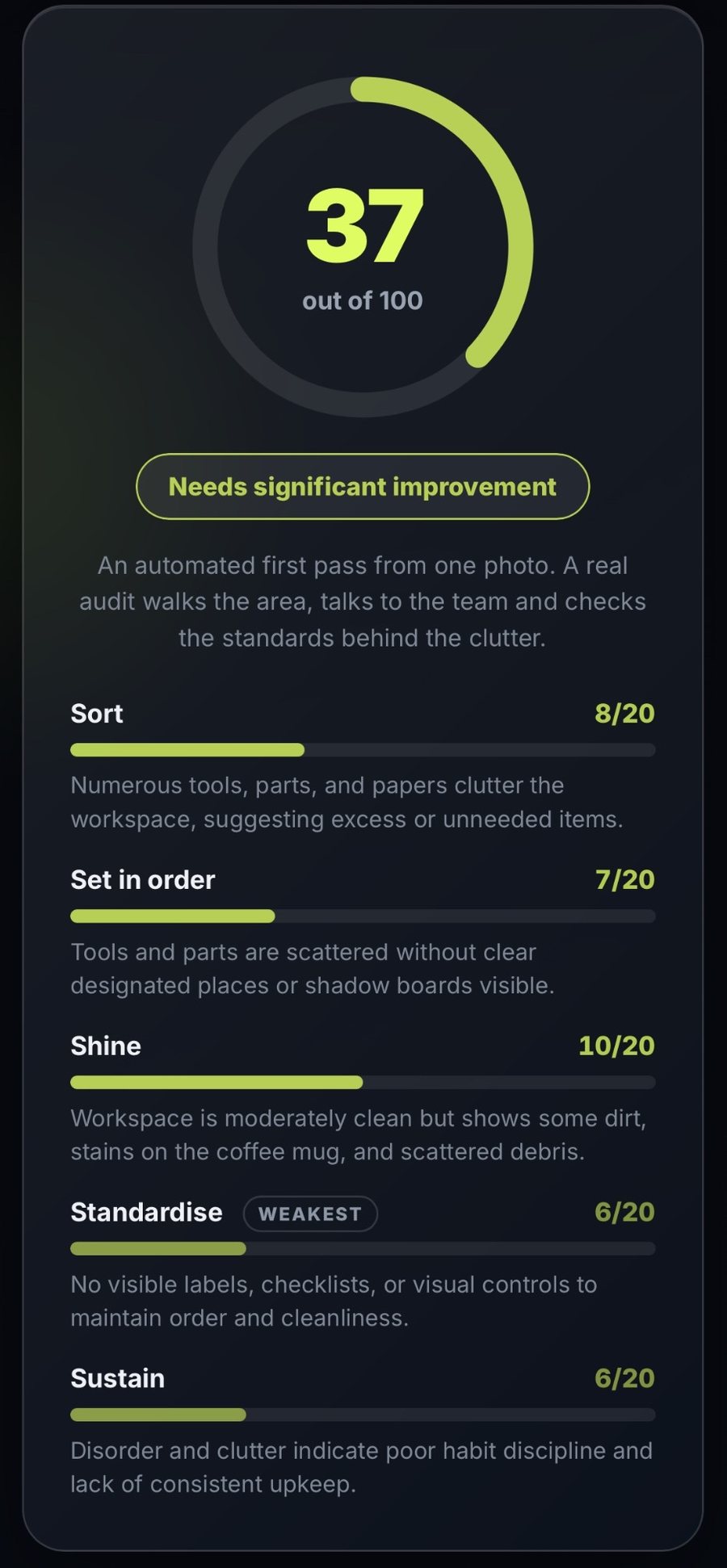
Step 4: the five S scores, with the reasons
Each of the five S's gets its own score out of 20 and a one-line reason, so you can see why a number is what it is. The weakest S is flagged. On this bench it was Standardise, and the explanation is the kind of thing a human auditor would write on a clipboard: no visible labels, checklists or visual controls to maintain order and cleanliness.
If you are new to the method, the complete guide to 5S explains what each of the five words means and how they build on one another. The short version is that the first three are about the workspace and the last two are about whether it stays that way, which is why Standardise and Sustain are the scores that most often come out lowest.
Step 5: three fixes, ranked
Below the score are the three improvements that would lift it the most, each tagged with the S it belongs to and the points it is worth. Tap a card and the matching marker lights up on your photo.
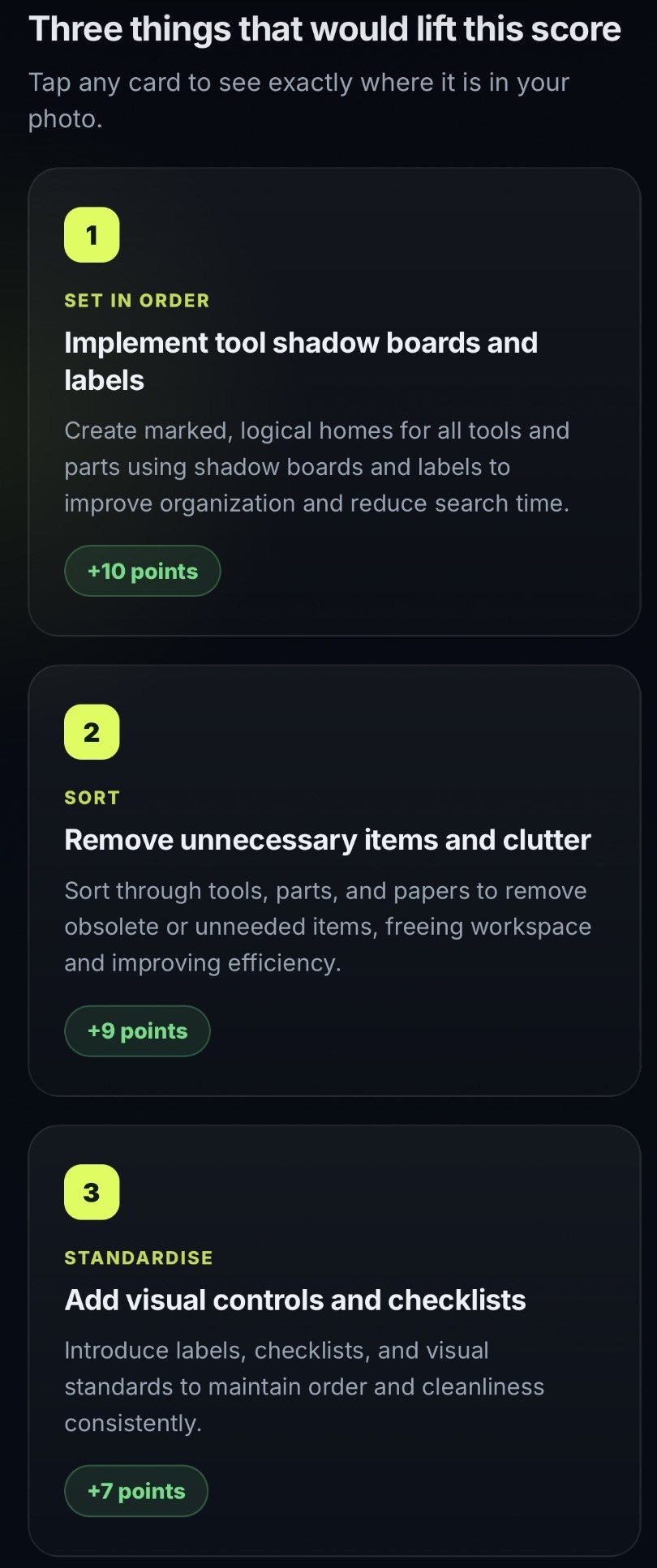
None of these is exotic. Shadow boards, a clear-out and some visual controls are the standard 5S toolkit, and the point is that the tool picks the three that matter for this particular bench rather than handing you a generic checklist. If you want to go further on the visual side, our visual management board template is a good place to start, and the 5S audit sheet is the paper version you can take on a proper walk.
Step 6: the score you would reach
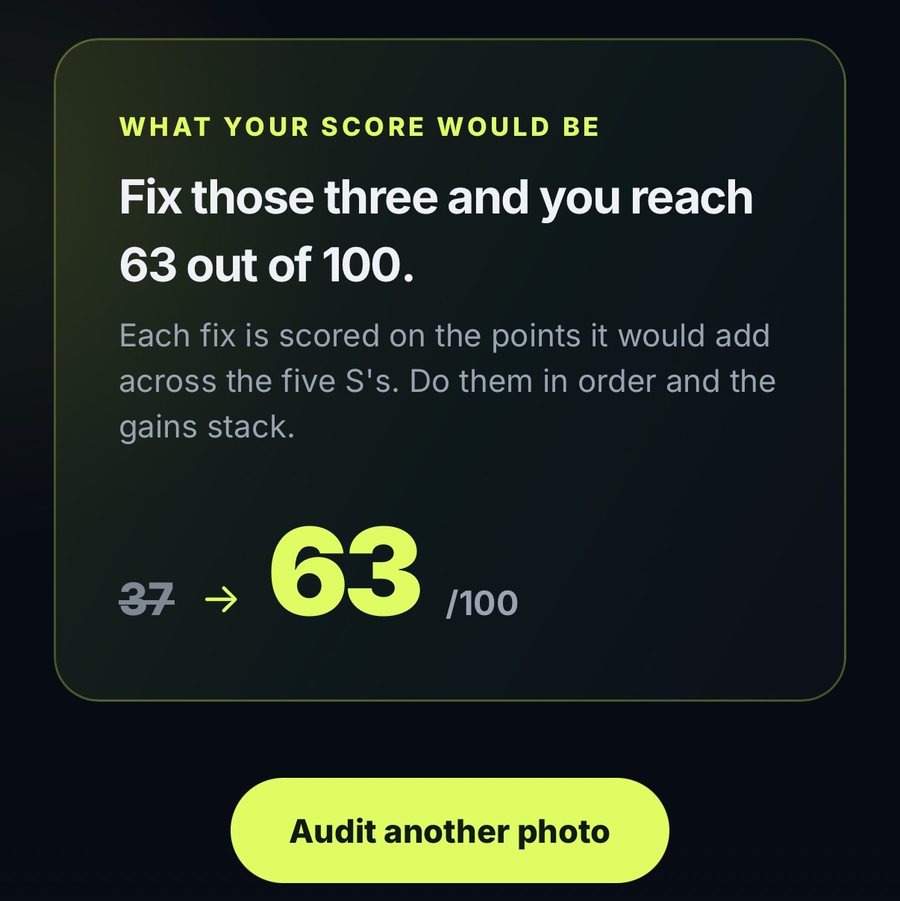
Finally, the tool adds the points from those three fixes to your current score and shows you where you would land. For the bench above, that is 37 rising to 63.
Does it tell a tidy bench from a messy one?
A tool that gives everything 60 is worthless, so we ran it against three benches in three very different states. The scorecards below are the PDFs the tool produced, each with the photo, the five S bars, the three wins and the projected score.
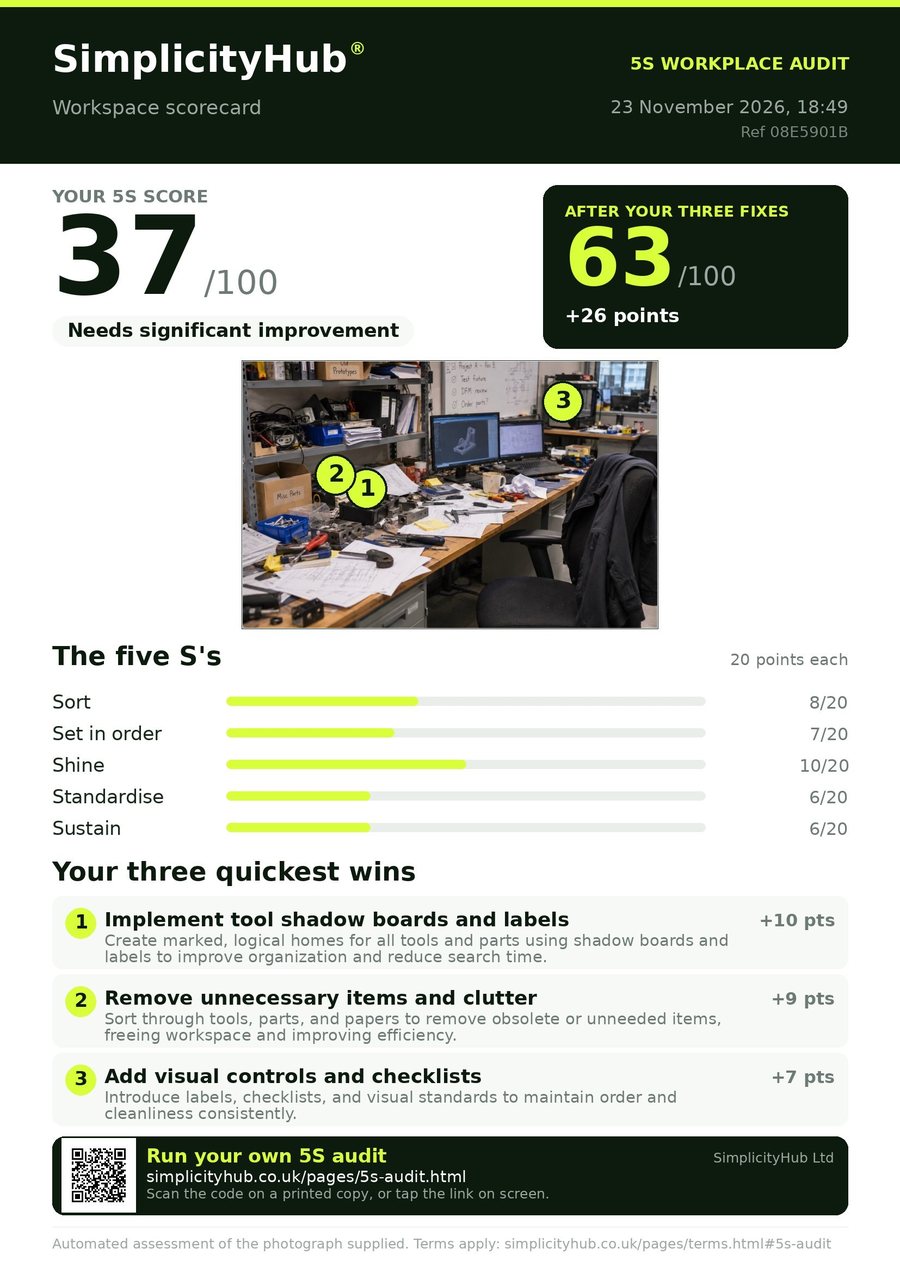
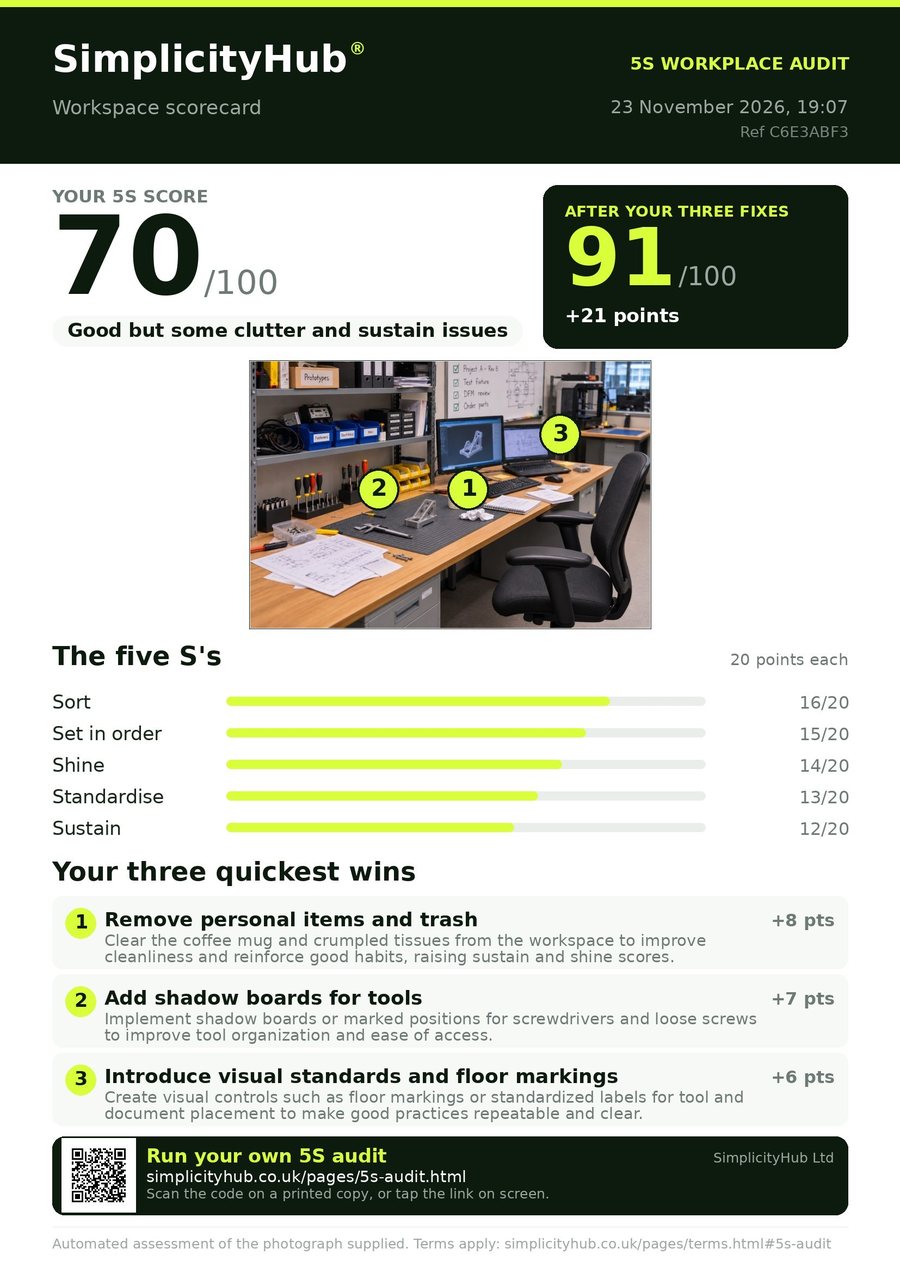
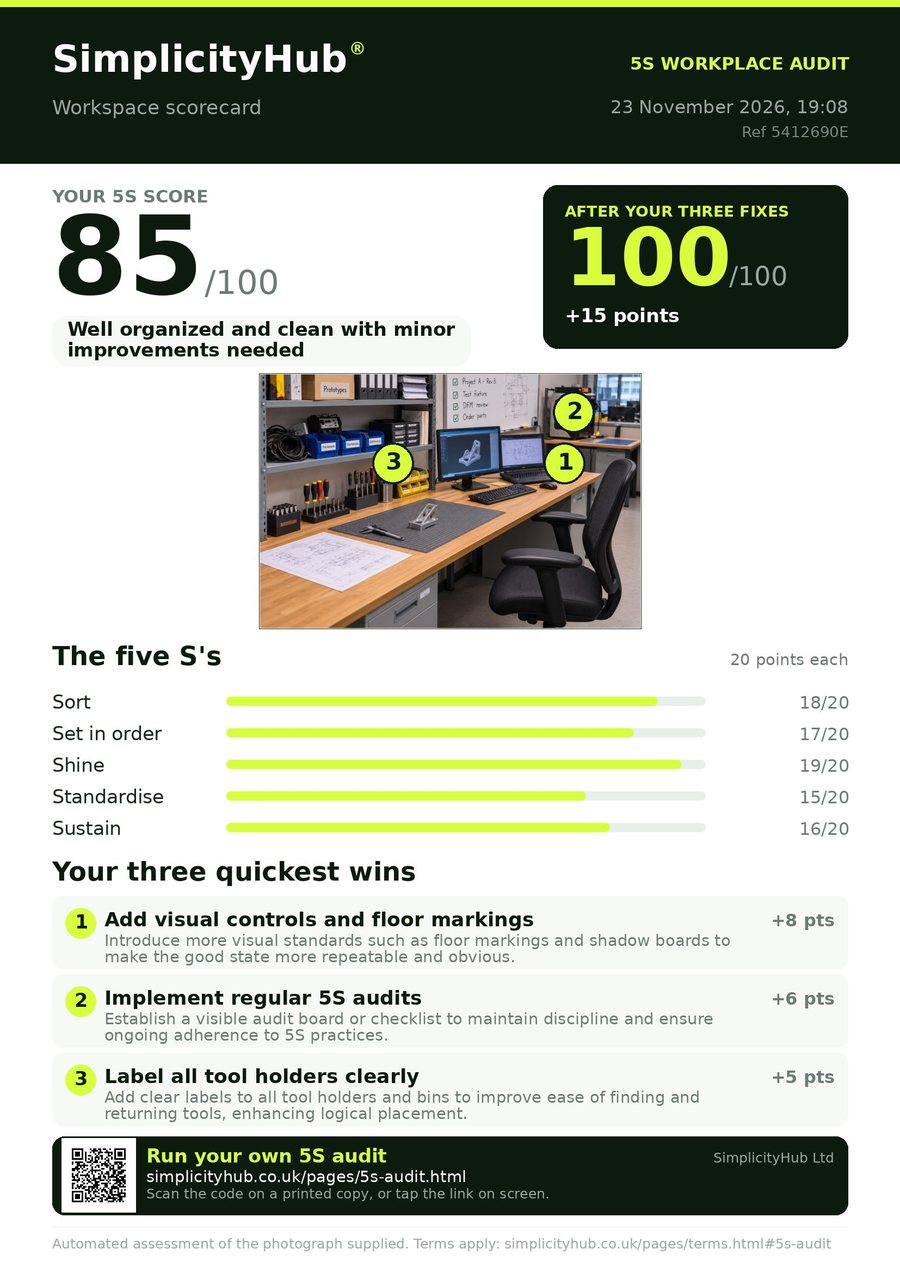
Three things stand out. The scores separate cleanly: 37, 70 and 85. The recommendations change with the bench, so the cluttered one is told to clear out and add shadow boards, while the tidy one is told to remove a coffee mug and some tissues. And the weak spots move: the 70 bench was weakest on Sustain at 12, the 85 bench on Standardise at 15. Even a bench that looks finished leaves points on the table, which is exactly where the second half of 5S earns its keep.
| Bench | Sort | Set in order | Shine | Standardise | Sustain | Total | After fixes |
|---|---|---|---|---|---|---|---|
| Cluttered | 8 | 7 | 10 | 6 | 6 | 37 | 63 |
| Mostly tidy | 16 | 15 | 14 | 13 | 12 | 70 | 91 |
| Well organised | 18 | 17 | 19 | 15 | 16 | 85 | 100 |
The PDF scorecard
Every audit can be downloaded as a one-page PDF with your photo, the numbered markers, the score and the three fixes. It carries a QR code and a link back to the tool, so a printed copy pinned to a noticeboard can be scanned to run the next audit. That matters because the real value of 5S is repetition. Photograph the same area again after you have made the changes and watch the number move.
Generating the PDF is free and does not count against the monthly allowance, so you can download it as often as you like.
What it cannot do
This is the honest part. The tool scores one photograph. It cannot see the other side of the room, it does not know whether the labels you can see are actually followed, and it has no way to tell whether last month's tidy bench was an exception or the habit. Sustain in particular is a judgement about behaviour over time, and a single image can only hint at it.
Treat the score as a conversation starter, not a verdict. A proper audit walks the area, talks to the people who work there and checks the standards behind the clutter. The tool gets you to the first useful question quickly. A Gemba walk answers the rest.
How to get the most from it
- Photograph from a position that shows the bench, the floor and the storage together. The wider the view, the better the score reflects reality.
- Audit before you tidy, then again after. The movement between the two numbers is the evidence that the changes worked.
- Fix the top-ranked item first. The ranking is by points, so you get the biggest gain for the least effort.
- Share the PDF with the team who work there. A score they helped to improve sticks better than one handed down.
- Put the fixes into a tracker. The quick win tracker and the impact versus effort matrix are free and suit this kind of short list.
- Write the new standard down. The standard work template and the sustainability plan help keep the gains in place.
Where this fits in Lean
5S is usually the first method a team puts in place, because it needs no capital spend and the results are visible by the end of the week. It is also the foundation for the rest of Lean: standard work, flow and problem solving are all much easier in a workspace where you can see what is going on. If you are meeting the vocabulary for the first time, our introduction to Lean Six Sigma and the glossary cover the terms, and the free template generator can turn your own notes into a filled-in 5S template.
Try it on your own bench
It takes about a minute, costs nothing and asks for no details. Take the photo you would normally avoid taking, and see what number comes back.